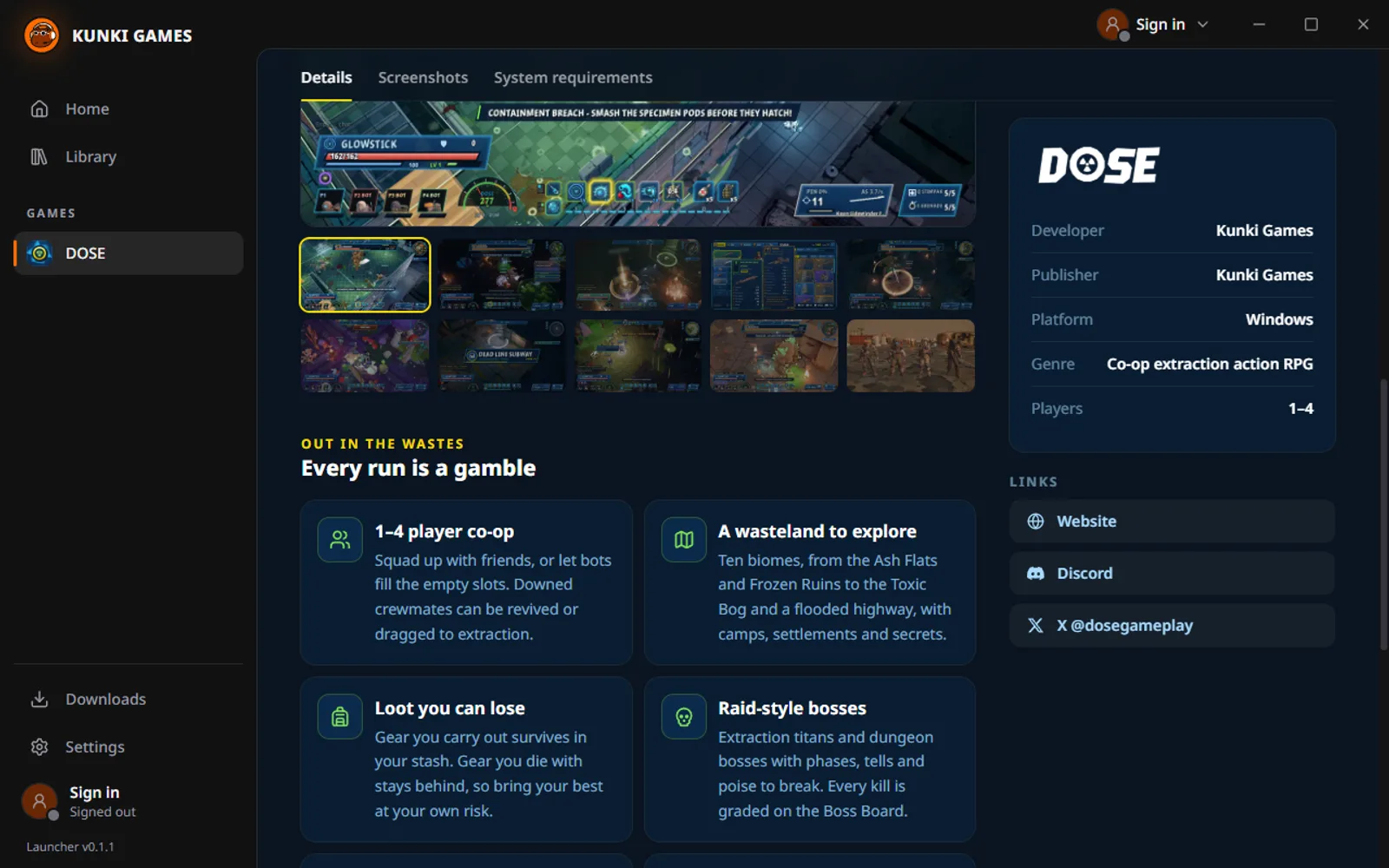
Take a look
Inside the launcher
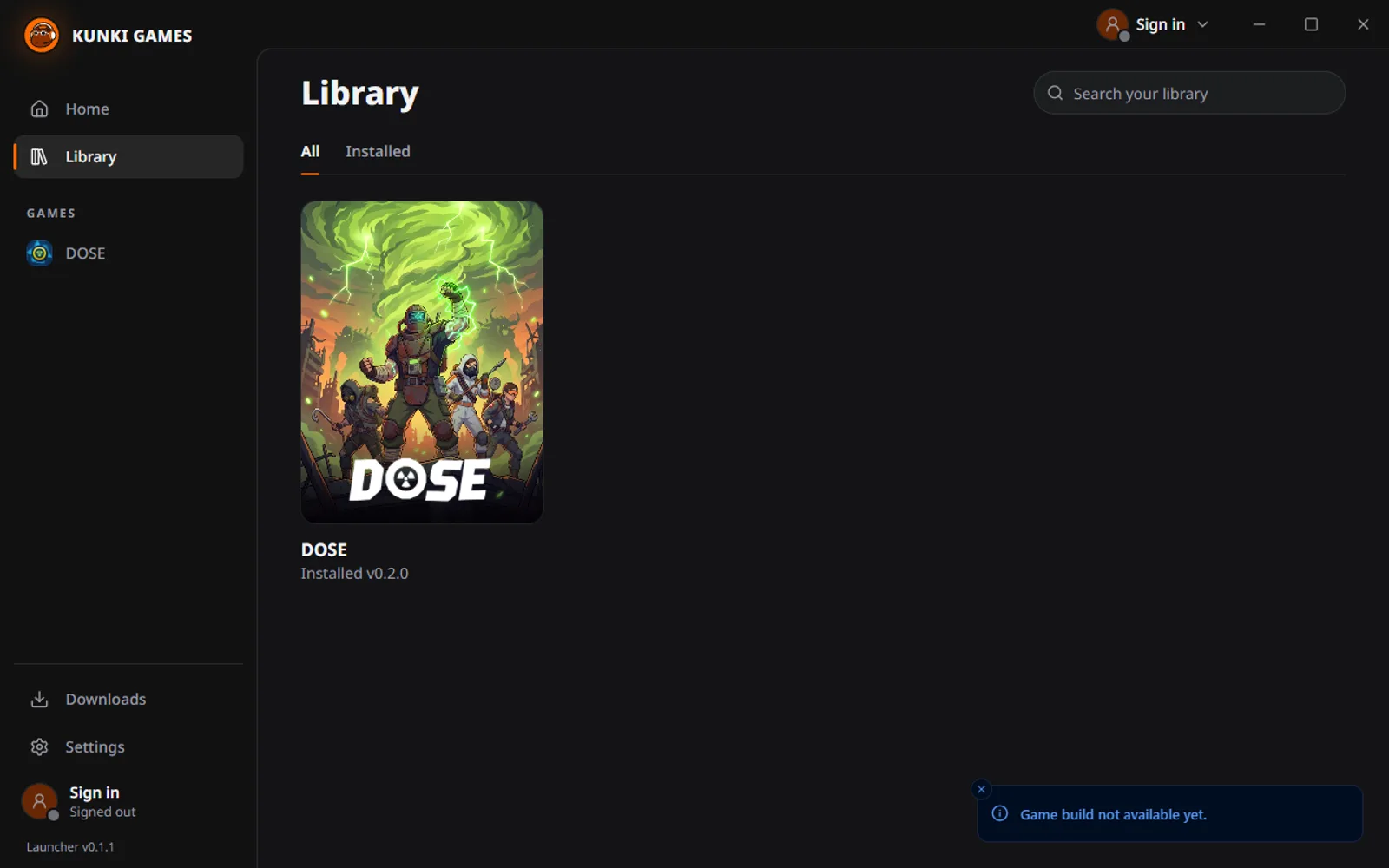
Your library with every installed game
What it does
Installs and updates DOSE
One click to install. New versions download in the background, only the files that changed.
One account everywhere
The same DOSE account as the website and the game. Remember me keeps you signed in on your PC.
Keeps itself up to date
New launcher versions download quietly and install the next time you restart it.
Checks your files
Every download is verified, and a repair fixes damaged files without a full reinstall.
Get started
- 1Download the installer and run it.
- 2Sign in, or create your DOSE account right in the launcher.
- 3Install DOSE and hit Play.
Windows shows a warning?
The launcher is new, so Windows SmartScreen may not know it yet. Click "More info", then "Run anyway".
Minimum system
- Windows 10/11, 64-bit
- A DirectX 12 graphics card
- An internet connection to sign in and download

Built by Kunki Games
Kunki Games is the indie studio behind DOSE. The launcher is our home for DOSE and every game we make next.